What is RedRook?
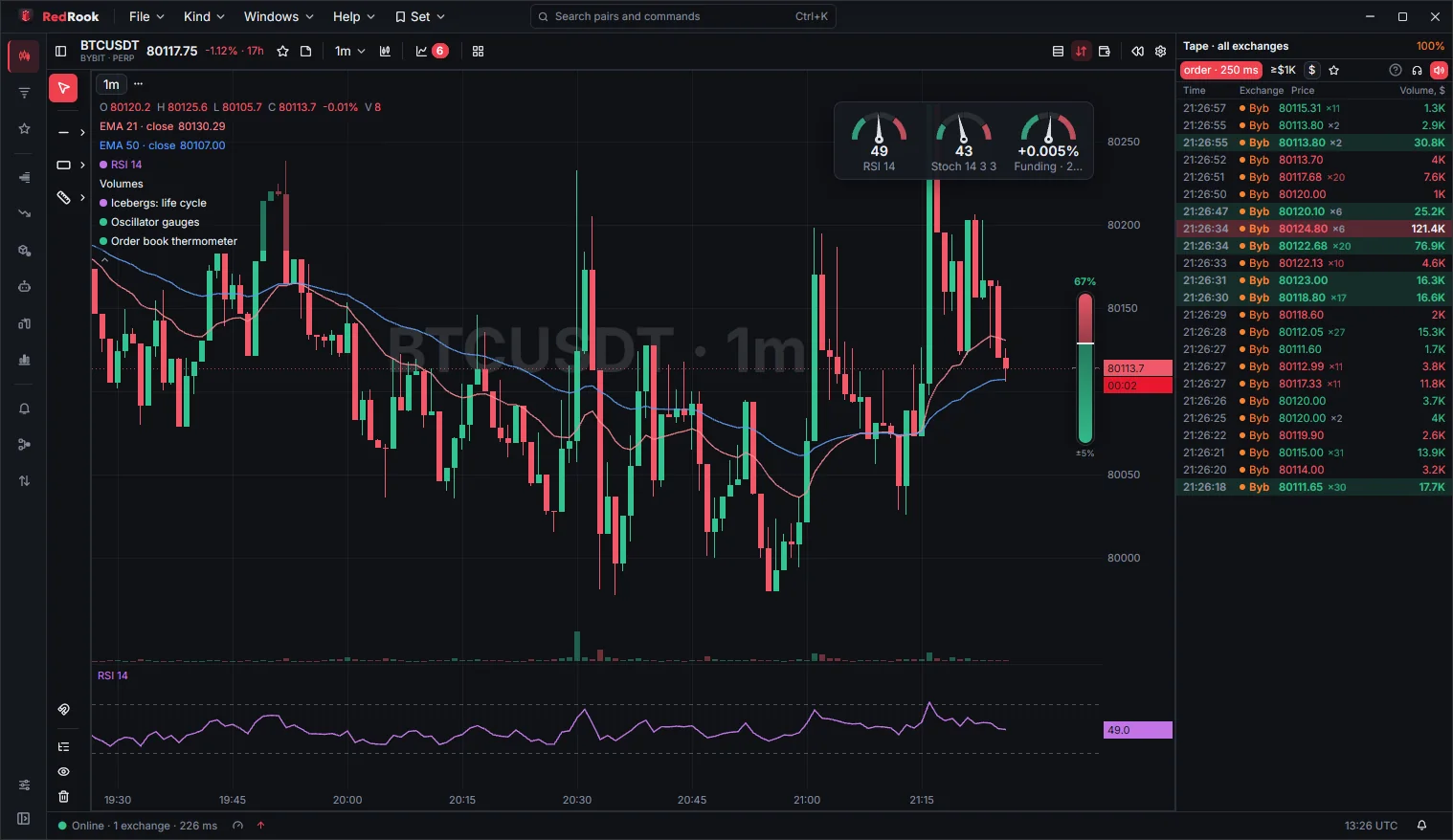
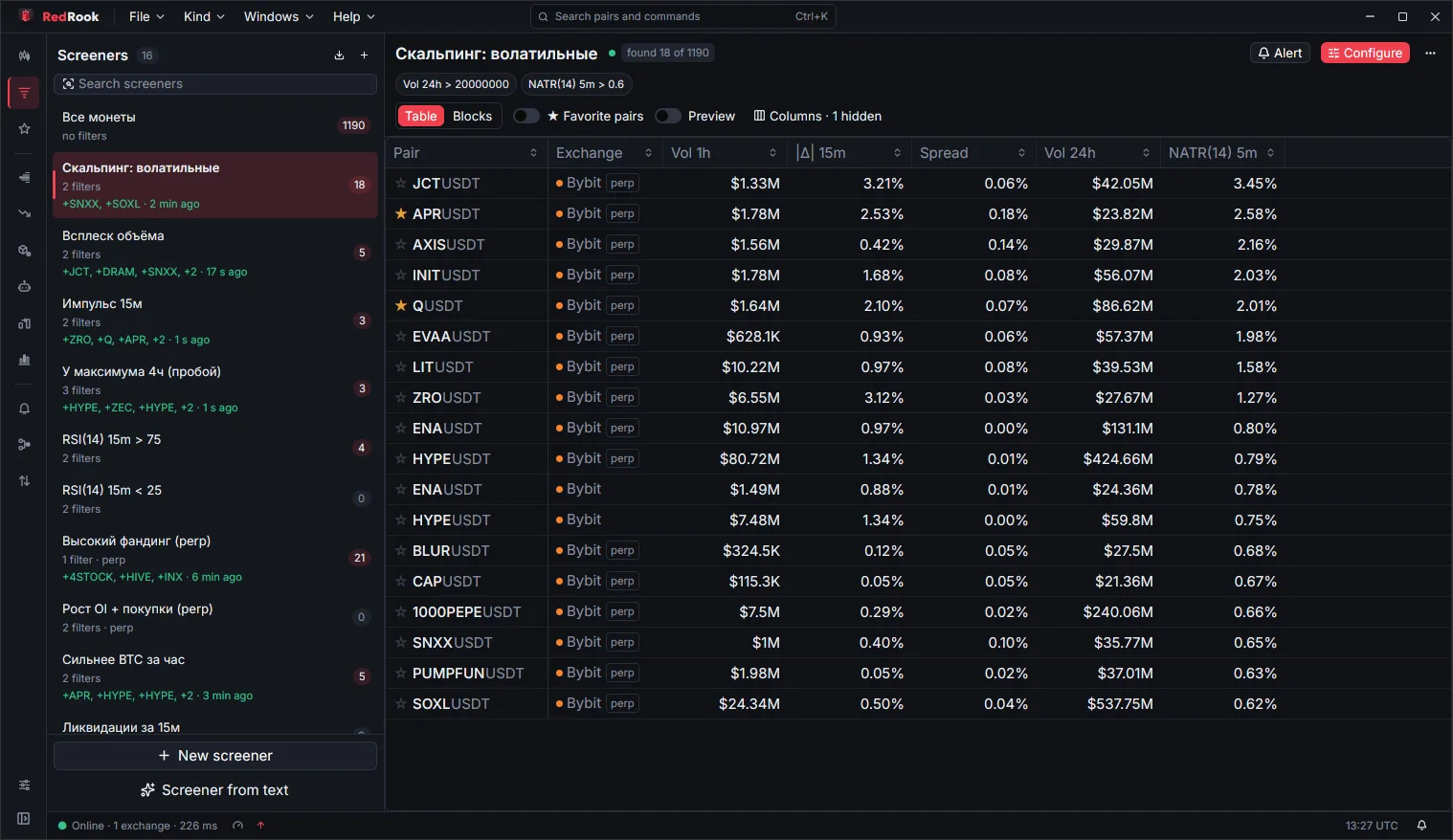
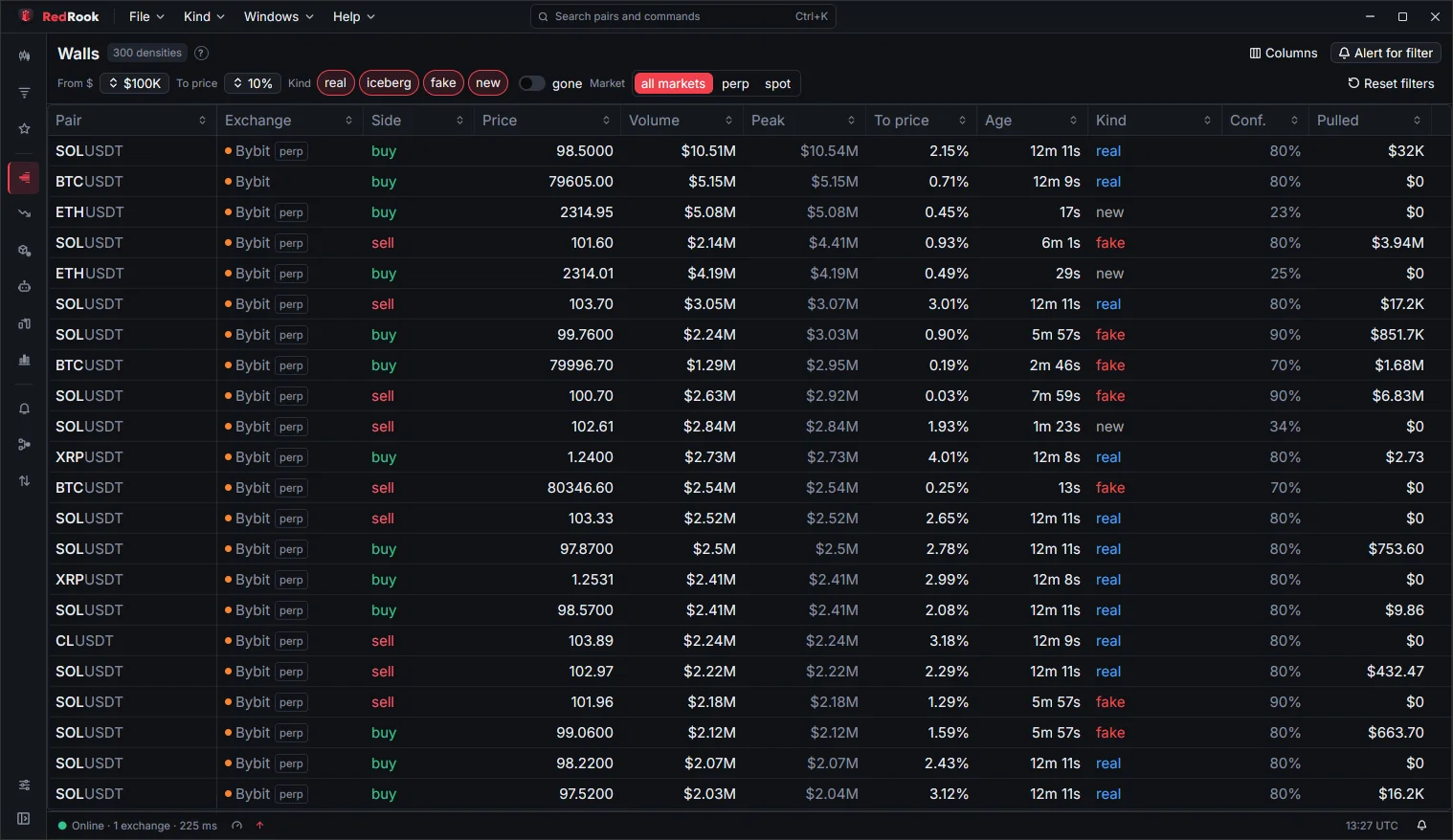
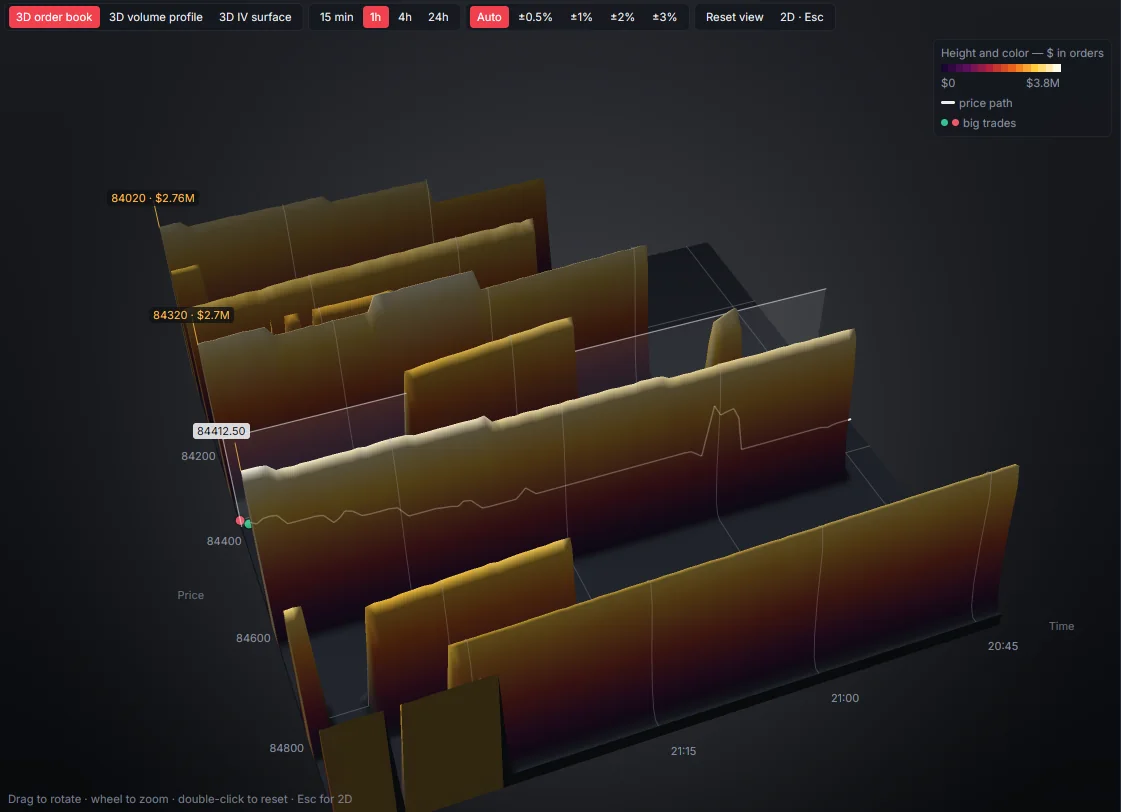
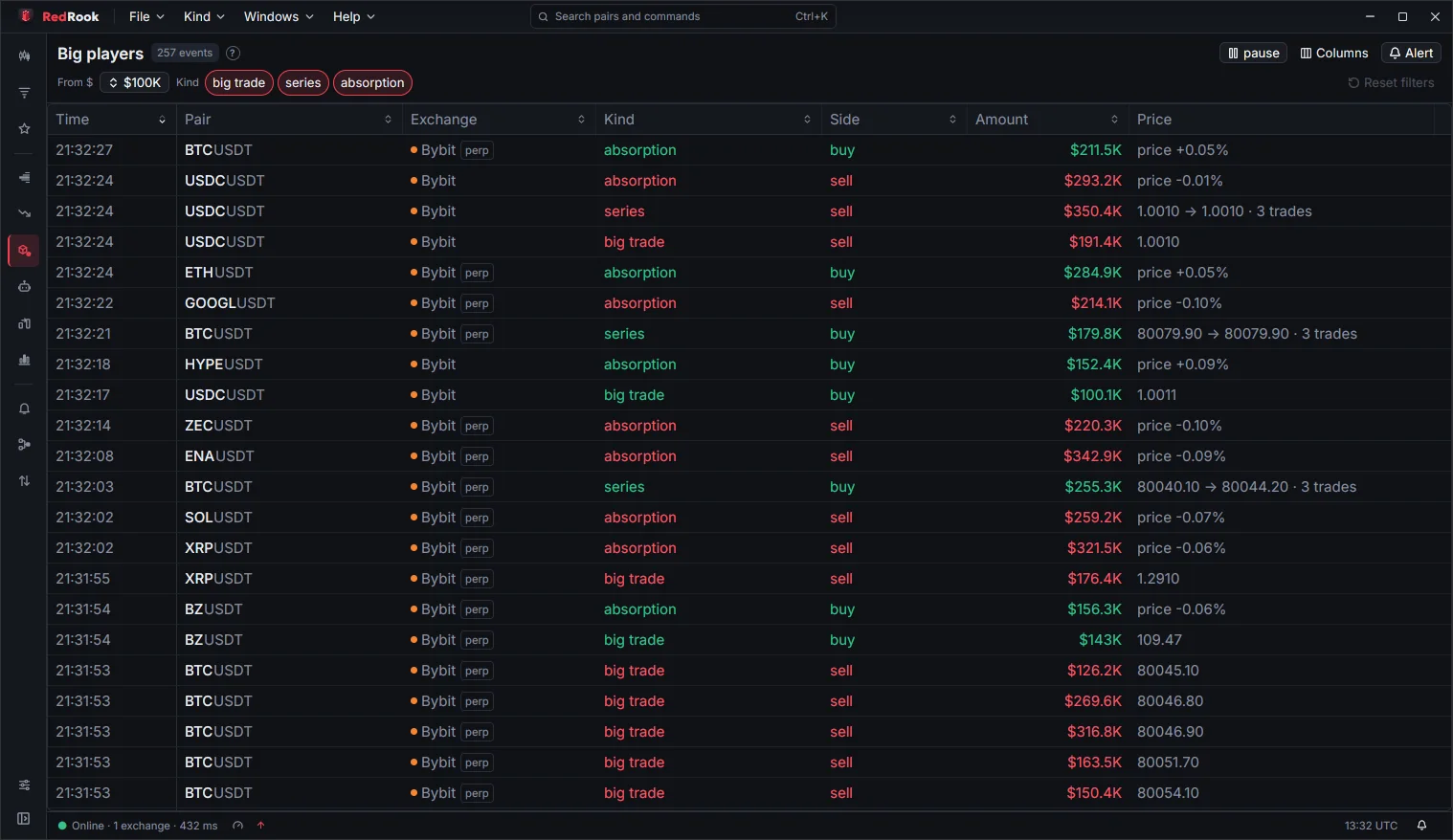
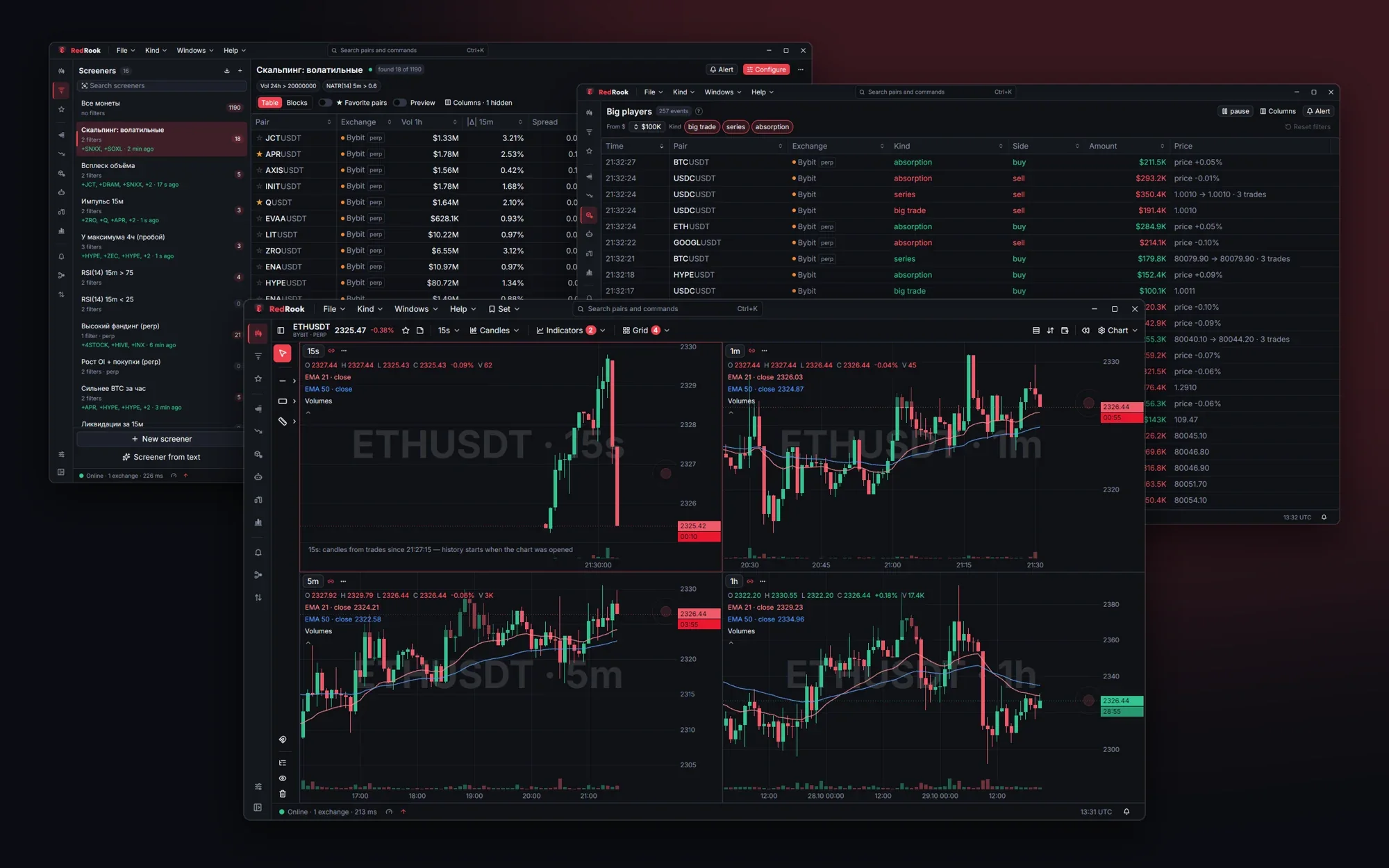
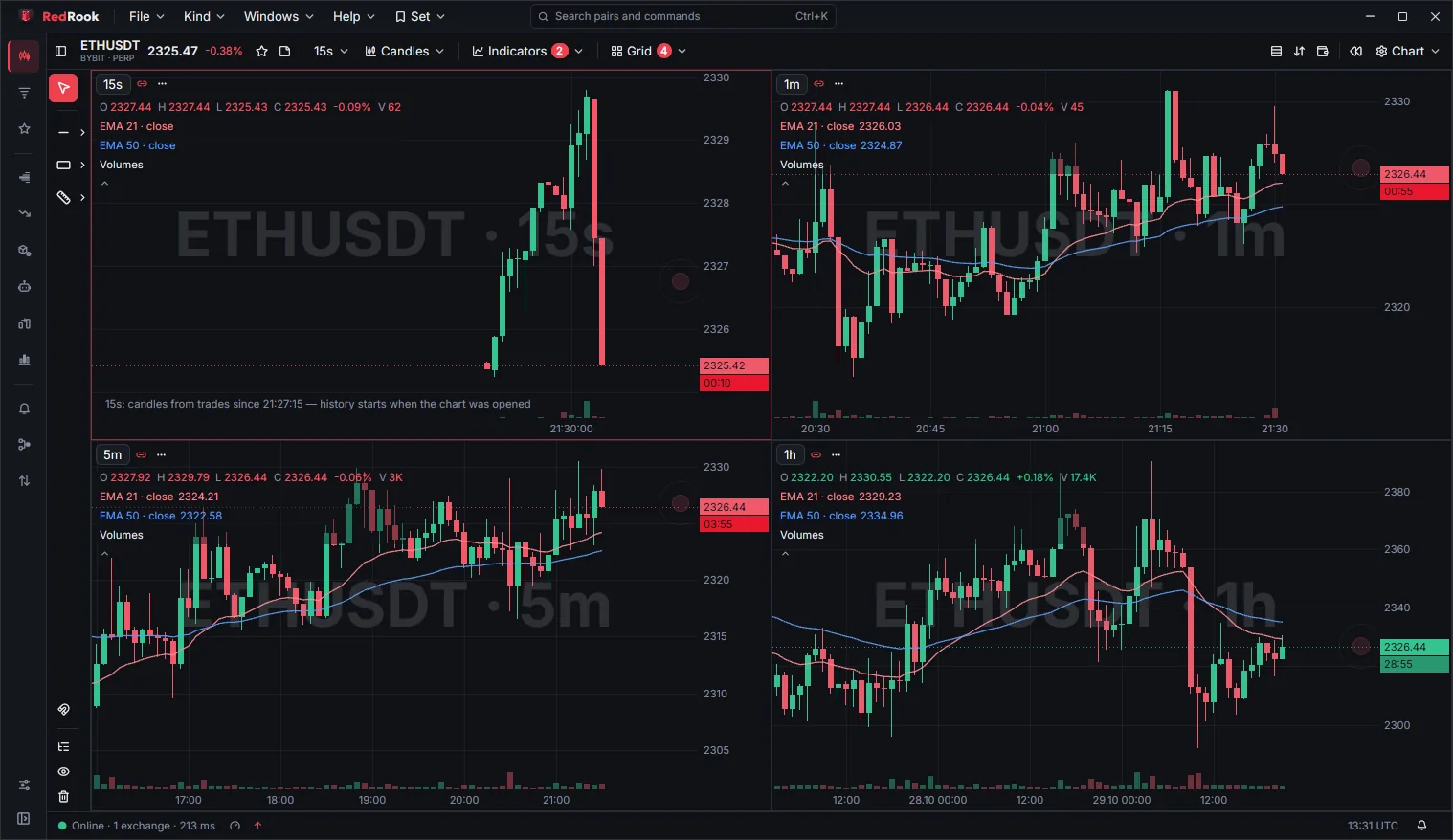
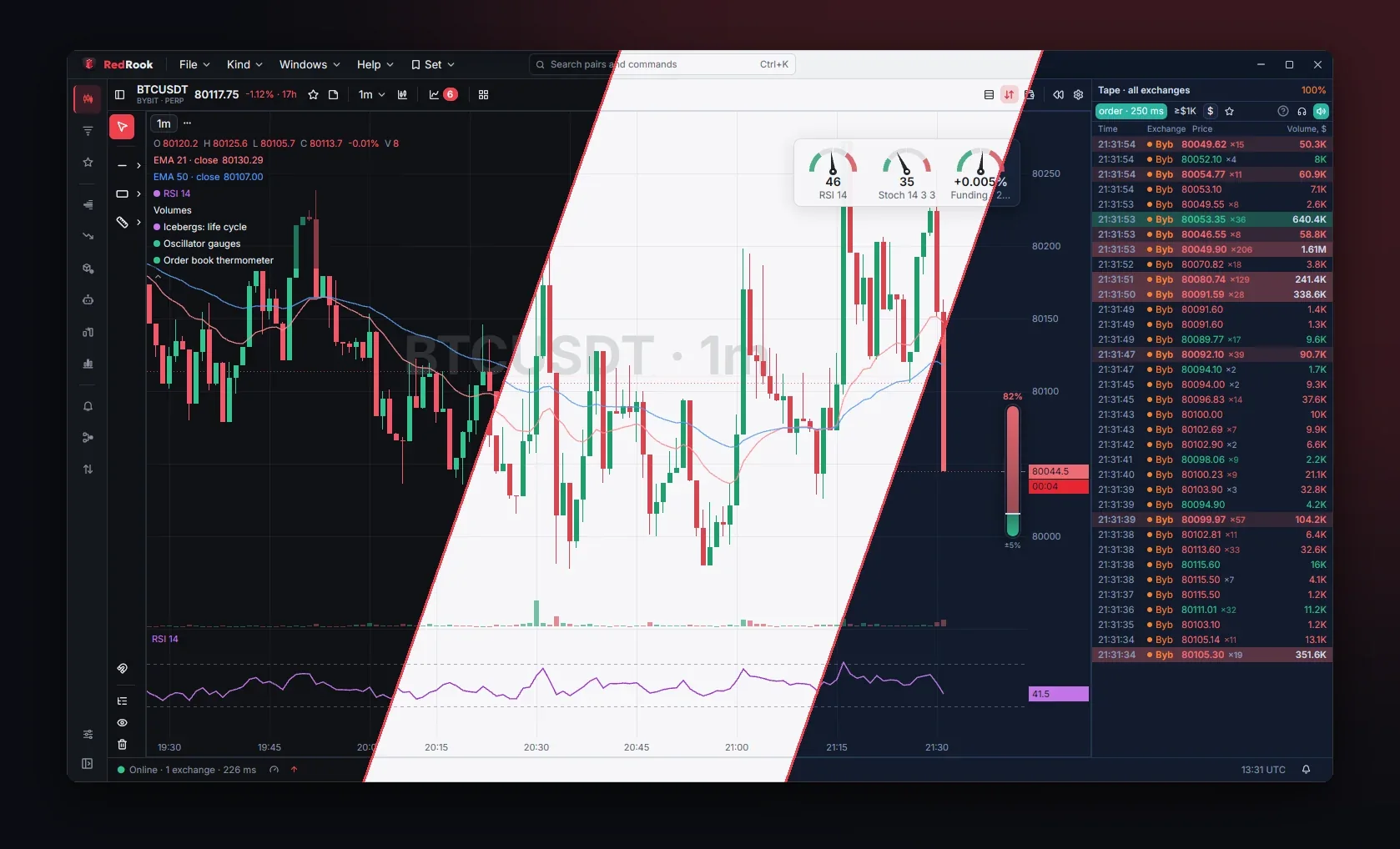
RedRook is a desktop trading terminal and crypto screener for Linux and macOS. It scans thousands of pairs, shows walls and icebergs in the order book, the trade flow and big players, sends alerts and lets you trade from the chart with stop, take-profit and risk limits. Market data comes straight from the exchanges to your computer.
Which exchanges and markets are supported?
Market data: Binance, Bybit, OKX, MEXC, Bitget, Hyperliquid (spot and perpetual futures) and Deribit options; forex — cTrader and OANDA brokers as an add-on. Trading: Binance, Bybit, OKX and MEXC spot, plus a paper account on any of them.
Is RedRook good for scalping?
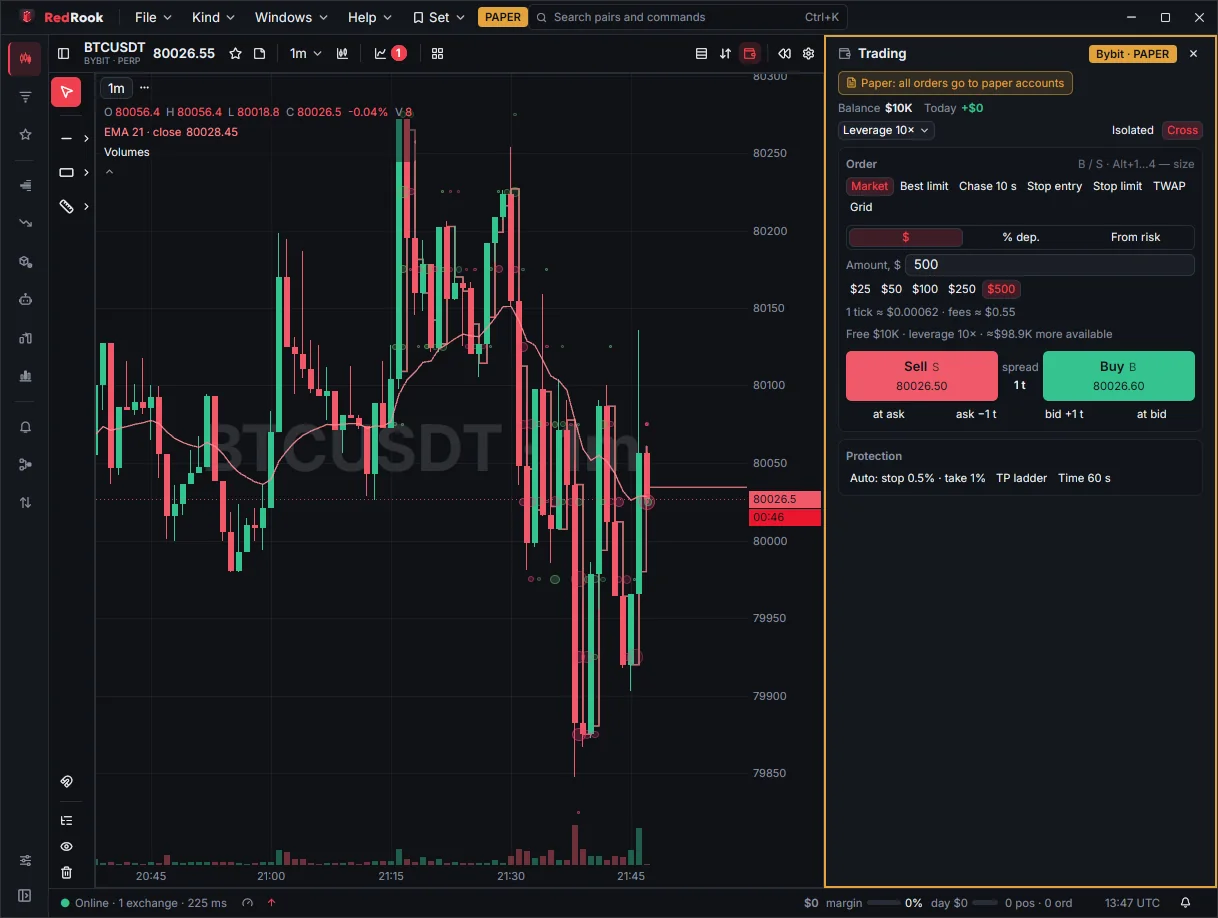
Yes, it is built for it: second candles (1s, 5s, 15s), the order book with walls next to the chart, the trade tape, one-click orders from the chart and the book, auto stop and take-profit, and hotkeys. Charts and the book are drawn on the GPU, so they keep up with fast markets.
How is it different from TradingView or a wall screener?
TradingView is about charts and indicators; a wall screener only lists large orders. RedRook combines both and adds what they lack: a live order book with wall classification (real, iceberg, fake), an order book heatmap and footprint, big players and bots in the tape, signal statistics on history and trading with position protection — in one native app.
Is there a Windows version?
Not yet — Linux (x86_64) and macOS (Apple Silicon and Intel) only.
How many computers does a license cover?
One. Changing computers? Unlink the old one on your account page or in the app («Unlink this computer») and enter the key on the new one.
Does it work without the internet?
Market data needs the internet. The license is an online lease renewed in the background: without a connection to the license service the app keeps working for up to 7 days.
How do I pay?
USDT on TRC20 or BEP20 via NOWPayments. The key appears on the order page right after the network confirms. Send the exact amount from the invoice; if your exchange deducts a withdrawal fee, add it on top. A shortfall up to 1% is credited automatically; a bigger one is not — the money is not lost, we sort it out manually.
macOS says RedRook can't be opened?
The app is not signed or notarized by Apple, so macOS asks for permission once: right-click RedRook → «Open» (macOS 11–14) or System Settings → Privacy & Security → «Open Anyway» (macOS 15+). Step by step — in the download section.
Is there auto-renewal?
No. You pay for 1, 3 or 12 months (10% and 25% off). 3 days and 1 day before the end the app and your account page remind you; a renewal is added to the current term.
Where do my exchange keys and trades go?
Nowhere — they stay on your computer: API keys are kept in the app's encrypted vault, orders go straight to the exchange. The license service receives only usage counters (no pairs, trades, amounts or keys); extended statistics — only with your consent.
System requirements?
Linux x86_64 with glibc 2.35+ (Ubuntu 22.04+, Debian 12+, Fedora 36+) and a Vulkan or OpenGL 4 GPU driver; macOS 11 or newer, Apple Silicon and Intel. 4 GB RAM or more. No Windows version yet. Details — in the system requirements.
Is there a free version?
Yes — Free mode, without a key and a time limit: charts and the order book, one screener, one window, Binance and Bybit, in-app alerts and paper trading. Press «Continue for free» in the activation window. When a trial or a license ends, the app switches to Free by itself.
How does the trial work?
14 days, all modules and exchanges, once per computer. Download the app and press «Try for 14 days» in the activation window — a Telegram handle or e-mail is required.
Can I change what's included?
Yes, on your account page: additions start right away with a pro-rated charge for the rest of the term, removals — from the next period.